
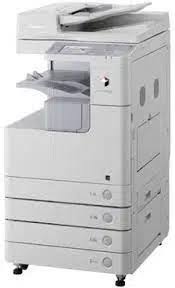
Commercial printers for sale in Kenya include office multifunction copiers and specialist production equipment used by businesses with regular or high-volume document requirements. The right choice depends on monthly page volume, paper sizes, colour needs and finishing requirements. Most offices need a dependable copier, while professional print shops may need dedicated production equipment.
When researching commercial printers for sale in Kenya, it is important to understand that not every machine described as a commercial printer is designed for the same workload. A small office printing invoices and reports has different requirements from a business producing thousands of brochures, booklets or marketing materials.
A commercial printer can refer to several types of equipment:
Products mentioned in this article
In stock in Nairobi, with delivery across Kenya.
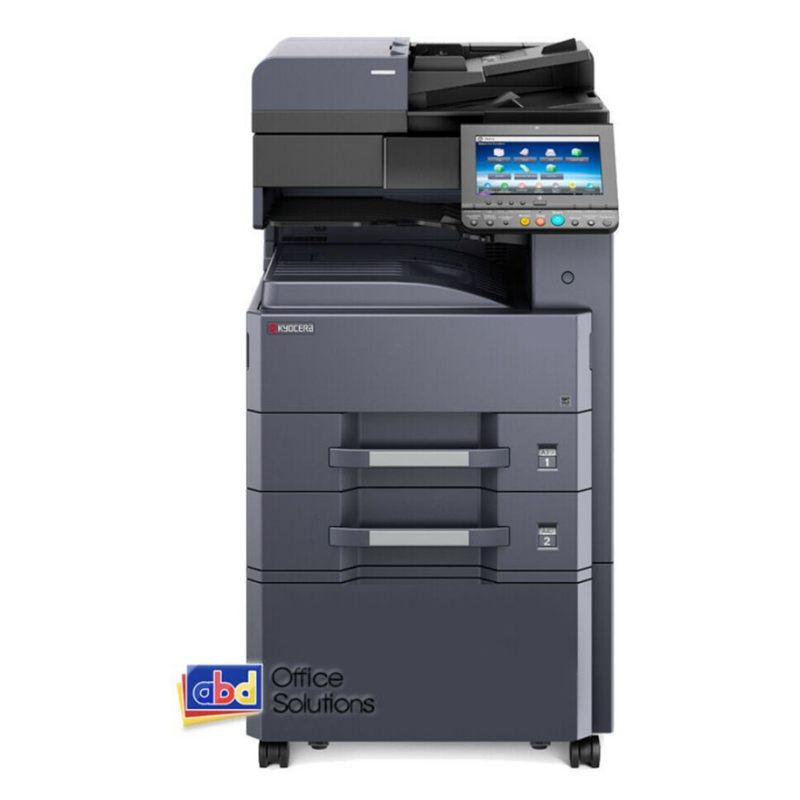
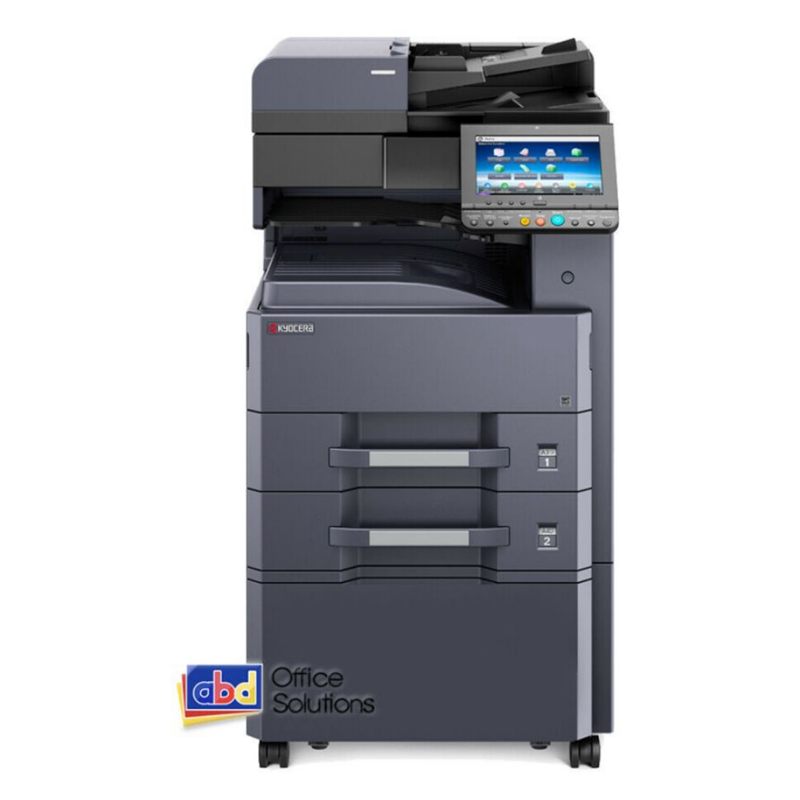
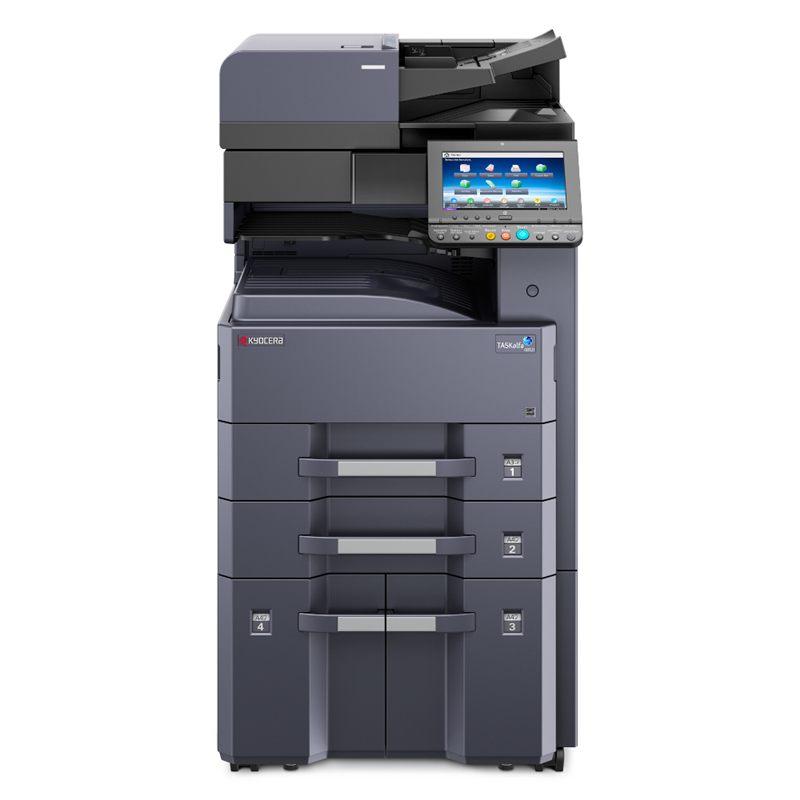
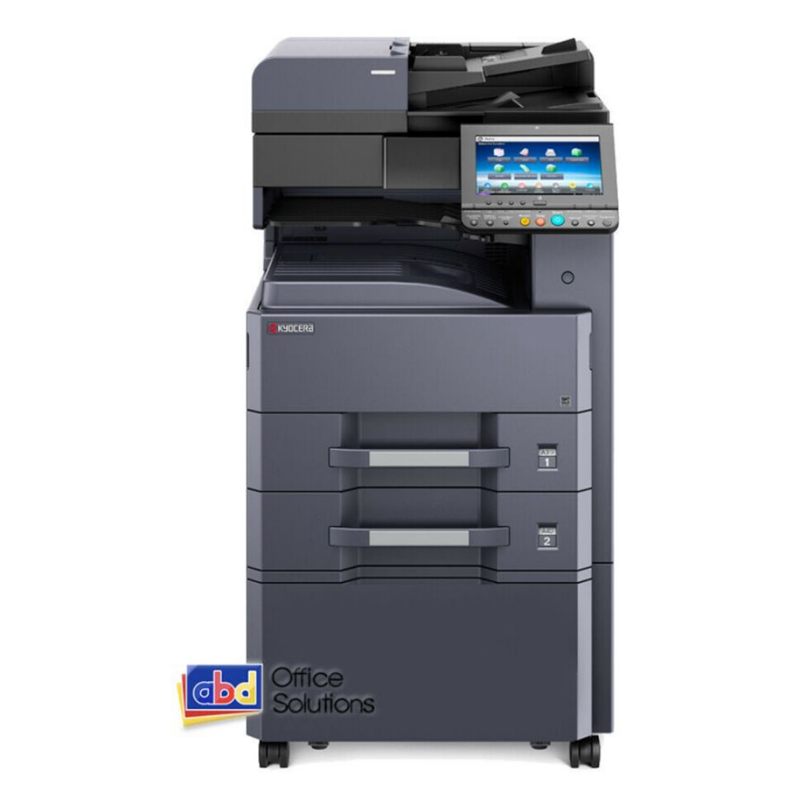
- Office multifunction copiers: Machines that print, copy and scan documents, often with duplex printing and multiple paper trays.
- Workgroup printers: Devices intended for teams that share a network printer for everyday office documents.
- High-volume copiers: Larger machines designed to handle substantial recurring document workloads.
- Production printers: Specialist systems designed for demanding print environments, often with advanced media handling, finishing and workflow capabilities.
Businesses searching for commercial printers for sale in Kenya should first identify which of these categories matches their work. Buying a machine with more capacity than necessary can increase the initial investment and operating costs. Buying one with insufficient capacity can create delays, maintenance problems and productivity losses.
The current Optimum Global Solutions catalogue lists machines from Kyocera, Konica Minolta, Xerox and Canon. Its listed range includes A3 mono, A3 colour and A4 mono multifunction equipment. Buyers should use the actual catalogue and confirmed availability when comparing commercial printers for sale in Kenya rather than assuming every supplier stocks dedicated production presses.
Copier or production printer?
A multifunction copier and a production printer may both produce printed documents, but they are built for different operating environments. A copier is usually the practical choice for office documents, while a production printer is intended for specialist print operations with more demanding output requirements.
When an office copier makes sense
A commercial copier is often suitable for organisations that need regular printing, copying and scanning. Examples include:
- Corporate offices.
- Schools and training institutions.
- Government departments.
- Hospitals and professional practices.
- Hotels and hospitality businesses.
- Businesses producing internal reports and customer documents.
For these organisations, a multifunction printer can consolidate several document tasks into one machine.
Businesses comparing commercial printers for sale in Kenya should look at the functions they will actually use. A machine with printing, copying, scanning and duplex capabilities may be more useful than a device with a higher headline speed but fewer practical functions.
When a production printer makes sense
A production printer is designed for professional print environments where the work involves substantial and often continuous output. A print shop may need to produce:
- Large batches of brochures.
- Booklets and catalogues.
- Marketing collateral.
- High-volume business documents.
- Specialist jobs requiring particular paper stocks.
- Work requiring advanced finishing and print consistency.
Production equipment may offer specialist paper handling, advanced finishing, workflow controls and duty capabilities that are not standard on ordinary office copiers.
However, businesses should not assume that a large A3 copier is automatically a production printer. A high-volume multifunction copier and a dedicated production press are different categories of equipment.
When evaluating commercial printers for sale in Kenya, a print shop should confirm whether its jobs require production-class equipment or whether a high-capacity multifunction copier can handle the workload economically.
Examples from the listed machine range
The current online catalogue includes several models that businesses can consider for commercial office printing.
| Brand | Listed model examples | Category shown |
|---|---|---|
| Xerox | WC7830, WC7835, WC7845, WC7855 | A3 colour |
| Xerox | AltaLink 8030, 8035, 8045, 8055 | A3 colour |
| Kyocera | TASKalfa 3010i, 3011i, 3212i, 3510i, 3511i | A3 mono |
| Kyocera | TASKalfa 4012i, 5002i, 6002i, 6003i | A3 mono |
| Kyocera | ECOSYS M3560idn, M3655ign | A4 mono |
| Konica Minolta | bizhub C224, C227, C258, C284, C287, C308 | A3 colour |
| Konica Minolta | bizhub C364, C368, C454, C458, C554, C558, C658 | A3 colour |
| Canon | IR2530, IR2535 | A3 mono |
These are examples from the published catalogue, not a guarantee that every model is currently available. Confirm stock, condition, configuration and pricing with the supplier before making a purchase.
For example, businesses considering commercial printers for sale in Kenya may compare the listed Xerox WC7830 and WC7855 when they need A3 colour multifunction equipment. An organisation that mainly produces black-and-white documents may instead assess a listed Kyocera TASKalfa A3 mono model.
A small office may not need the same equipment as a busy print department. The best machine is the one that fits the actual work.
Volume and paper size
Two of the most important considerations when choosing commercial printers for sale in Kenya are monthly print volume and paper-size requirements. These determine the class of machine your business should consider before you compare individual models.
Estimate your monthly print volume
Start by reviewing how many pages your organisation prints in a normal month. If possible, separate black-and-white pages from colour pages.
Ask these questions:
- How many pages does the office print each working day?
- How many departments share the machine?
- Are printing volumes consistent or seasonal?
- Do employees print large reports or mostly short documents?
- How frequently do users need colour?
- Does the machine experience queues during busy periods?
A small team with predictable printing requirements may be well served by an A4 multifunction printer. A busy department with several users may need a higher-capacity A3 copier.
Businesses searching for commercial printers for sale in Kenya should avoid choosing a machine based only on its advertised maximum speed. The machine must also suit the actual monthly workload, paper capacity and maintenance requirements.
Understand A4 and A3 printing
A4 is the standard paper size used for most letters, invoices, forms and reports. A3 is twice the area of A4 and is useful for larger spreadsheets, diagrams, posters, layouts and presentations.
The distinction matters because an A4-only printer cannot replace an A3 copier when larger documents are part of everyday work.
The catalogue includes A4 mono machines such as the Kyocera ECOSYS M3560idn and M3655ign. It also lists A3 mono and A3 colour multifunction equipment.
When comparing commercial printers for sale in Kenya, ask whether your team needs:
- A4 mono for everyday black-and-white documents.
- A4 colour for standard documents with colour graphics.
- A3 mono for larger black-and-white documents.
- A3 colour for presentations, charts and larger colour materials.
Do not pay for A3 capability if your business has no realistic need for it. Equally, do not choose an A4 machine if staff regularly send A3 jobs to an external print shop.
Consider paper capacity and finishing
Paper capacity affects how often staff need to reload trays. A machine shared by several departments may benefit from additional paper trays, depending on its configuration.
Finishing requirements also matter. Some businesses only need printed sheets, while others require stapling, sorting, folding or booklet production.
Before selecting commercial printers for sale in Kenya, confirm which finishing functions are included in the specific model and which require optional accessories. Do not assume that every machine in a model family has identical features.
Match the machine to the workload
A practical way to shortlist equipment is to group your requirements:
| Business requirement | Equipment category to assess |
|---|---|
| Occasional standard documents | A4 multifunction printer |
| Regular office printing and scanning | A4 or A3 multifunction copier |
| Larger spreadsheets and diagrams | A3 mono or colour copier |
| Frequent colour office documents | A3 or A4 colour multifunction printer |
| Professional print-shop production | Dedicated production equipment, subject to specialist assessment |
This approach helps narrow the range before requesting quotations. It also prevents businesses from confusing commercial office copiers with production presses.
Mono or colour
Another important decision when selecting commercial printers for sale in Kenya is whether the business needs black-and-white printing, colour printing or both.
The right option depends on the documents being produced and the value colour adds to the final output.
When a mono printer is suitable
A mono printer produces black-and-white documents. It can be suitable for businesses that mainly print:
- Invoices and receipts.
- Internal reports.
- Contracts and letters.
- Administrative forms.
- Training notes.
- General business correspondence.
If colour is rarely required, an A3 or A4 mono machine may be a practical option. The published catalogue includes Kyocera TASKalfa mono models and A4 ECOSYS devices, as well as Canon IR2530 and IR2535 A3 mono copiers.
For buyers reviewing commercial printers for sale in Kenya, mono equipment is worth considering when most of the workload consists of text-based documents.
When colour printing is necessary
Colour printing is useful when the appearance of a document affects communication or presentation. Examples include:
- Marketing materials.
- Presentations.
- Charts and graphs.
- Customer proposals.
- Training materials.
- Colour-coded reports.
The catalogue includes A3 colour options from Xerox and Konica Minolta. Listed examples include the Xerox WC7830, WC7835, WC7845 and WC7855, along with Konica Minolta bizhub C-series models.
A business comparing commercial printers for sale in Kenya should estimate how many colour pages it produces each month. Colour printing can have different consumable and operating costs from mono printing, so the decision should be based on actual use.
Consider the cost of consumables
The purchase price is not the complete cost of operating a printer. Toner, drums, maintenance components, paper and servicing all contribute to the total cost.
Ask the supplier to clarify:
- Which toner or consumables the model uses.
- Whether genuine supplies are available.
- The expected replacement schedule for major components.
- Whether maintenance support is offered.
- Whether the quoted price includes installation.
- What warranty or service arrangement applies.
When comparing commercial printers for sale in Kenya, request an operating-cost explanation rather than relying only on the initial price.
Compare the listed options with your requirements
The listed Xerox A3 colour models may suit offices that need larger colour documents. Kyocera’s listed A3 mono machines may be more relevant to organisations with substantial black-and-white workloads. Konica Minolta’s bizhub C-series models provide additional A3 colour options within the published range.
The final recommendation should be based on the machine’s exact configuration, availability, condition and the business’s monthly workload.
How to choose the right commercial printer
Before requesting a quotation, prepare a short equipment brief. This helps the supplier recommend a suitable model instead of offering a machine based only on its headline speed.
Include:
- Estimated monthly black-and-white volume.
- Estimated monthly colour volume.
- Whether A3 printing is required.
- Number of employees sharing the machine.
- Whether copying and scanning are required.
- Whether duplex printing is needed.
- Whether stapling or other finishing is required.
- Available installation space.
- Expected support and maintenance requirements.
If you are comparing commercial printers for sale in Kenya, share these details with the supplier and request a recommendation based on the listed models. Ask the supplier to identify any optional accessories separately so you understand what is included in the quotation.
You can browse the available printers and photocopiers to compare the published range. Contact the supplier to confirm the latest stock, prices, machine condition, installation arrangements and service options.
Frequently asked questions
Which commercial printer is best for a small print shop?
The best option depends on the print shop’s monthly workload, paper sizes, colour requirements and finishing needs. A listed A3 multifunction copier may handle general office and document work, but a shop producing large batches of brochures, booklets or specialist materials may need dedicated production equipment. Confirm the required production features before choosing.
How many pages per month can a commercial copier handle?
There is no single monthly page limit that applies to every commercial copier. Capacity depends on the model, manufacturer duty-cycle guidance, document mix, maintenance and operating conditions. Estimate your actual monthly volume and ask the supplier to recommend a listed model with suitable capacity and support.
Should I choose an A3 or A4 printer?
Choose A4 if your business mainly prints standard letters, invoices, forms and reports. Choose A3 if you regularly print larger spreadsheets, diagrams, posters or layouts. An A3 copier can handle standard A4 work as well, but it may cost more to purchase and operate than a smaller A4 device.
What is the difference between a copier and a production printer?
A multifunction copier is generally designed for office printing, copying and scanning. A production printer is specialist equipment intended for demanding professional print environments, often with advanced media handling and finishing. A high-volume copier is not automatically a production press.
Should I buy a mono or colour commercial printer?
Choose mono equipment if most of your documents are text-based and colour is rarely necessary. Choose colour equipment if you regularly print presentations, charts, marketing documents or customer-facing materials. Compare consumable and maintenance costs before deciding.
Questions and answers
Copier or production printer?
A multifunction copier and a production printer may both produce printed documents, but they are built for different operating environments. A copier is usually the practical choice for office documents, while a production printer is intended for specialist print operations with more demanding output requirements.
Which commercial printer is best for a small print shop?
The best option depends on the print shop's monthly workload, paper sizes, colour requirements and finishing needs. A listed A3 multifunction copier may handle general office and document work, but a shop producing large batches of brochures, booklets or specialist materials may need dedicated production equipment. Confirm the required production features before choosing .
How many pages per month can a commercial copier handle?
There is no single monthly page limit that applies to every commercial copier. Capacity depends on the model, manufacturer duty-cycle guidance, document mix, maintenance and operating conditions. Estimate your actual monthly volume and ask the supplier to recommend a listed model with suitable capacity and support.
Should I choose an A3 or A4 printer?
Choose A4 if your business mainly prints standard letters, invoices, forms and reports. Choose A3 if you regularly print larger spreadsheets, diagrams, posters or layouts. An A3 copier can handle standard A4 work as well, but it may cost more to purchase and operate than a smaller A4 device.
What is the difference between a copier and a production printer?
A multifunction copier is generally designed for office printing, copying and scanning. A production printer is specialist equipment intended for demanding professional print environments, often with advanced media handling and finishing. A high-volume copier is not automatically a production press.
Should I buy a mono or colour commercial printer?
Choose mono equipment if most of your documents are text-based and colour is rarely necessary. Choose colour equipment if you regularly print presentations, charts, marketing documents or customer-facing materials. Compare consumable and maintenance costs before deciding.
- #A3 printers
- #commercial photocopiers
- #commercial printers
- #office printers
- #printer machine
- #printers for sale in Kenya
- #production printing